Start with size, power and purpose.
If you are searching for “Lovable for hardware,” you probably want to describe an idea in ordinary language and iterate on a working design. For a physical object, that means accounting for the parts, power, dimensions, materials and access as well as what it should do.
Start with the person using it and the problem it solves. Include dimensions and where it will live. Say how it gets power, how often it should need attention, and what the user needs to reach, press, read or replace. Attach reference documents when the details already exist.
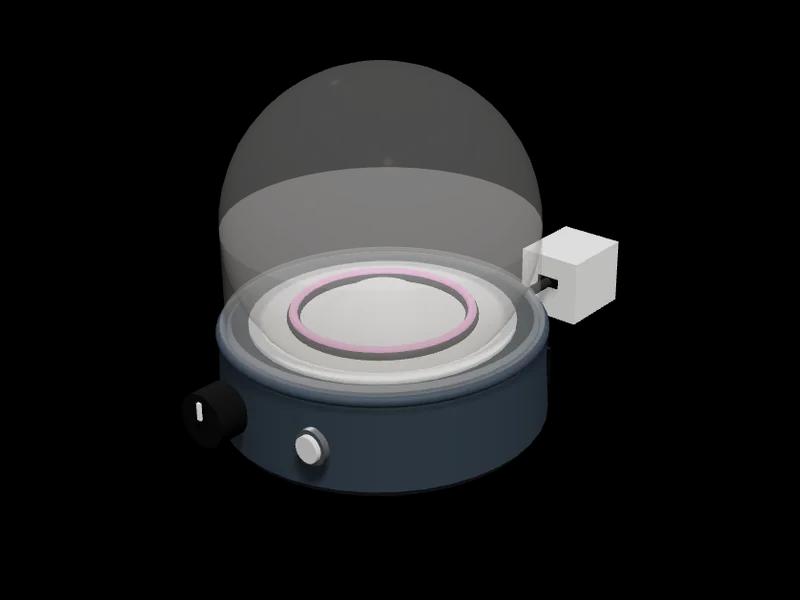
“Design a desk light for reading. It must fit in a 15 cm square, run from USB-C, and have a button I can reach without lifting it. Keep the charging port accessible and let me change the brightness.”
An example of a hardware brief with concrete requirements.
Look beyond the picture.
A convincing render is only one part of a useful hardware design. Tinkerly brings the underlying design information into the same project so you can inspect it and ask for changes.
- Parts
- A parts list with quantities, catalog components and estimates for custom pieces. Check what is included before ordering.
- Connections
- Wires for electronics and joints for physical assemblies. A moving mechanism needs a real connection between the motor and the part it drives.
- 3D design
- A model you can rotate and inspect inside. Size, mounting, charging access and space for moving parts all matter.
- Behavior and code
- Inputs and outputs for the browser simulation, plus firmware when the design includes a programmable board. These are separate artifacts.
- Build guide
- Assembly steps and design checks that help you understand how the parts go together and what still needs review.
Use Chat to ask about a design, Plan to work through a proposal, and Build to generate or change it. Saved changes create versions, so you can inspect an earlier design or restore it.
A simulation is a useful check. A real build is another.
The behavior simulation lets you change supported inputs and see outputs respond, such as a light turning on or a wheel rotating. It runs a model of the intended behavior in your browser. It does not execute the firmware on a physical board or prove strength, weather resistance, thermal performance or battery life.
Automatic checks inspect supported wiring, power, geometry and functional relationships. Each project shows its current results and unresolved requirements. Review and physical testing are separate steps, and designs that need them remain subject to those checks before ordering.
Start with a design you can inspect.
Open a community project to see its model, parts and current checks, or describe your own idea. You can iterate on a design before deciding whether to order anything.
When a design is eligible, the current ordering option is ready to assemble: prepared pieces and instructions for putting them together. Designs needing a quote or review follow that process before fulfillment. Read pricing and credit details and the full design-to-order workflow before purchasing.